
Blog
Building web apps that work on slow mobile networks
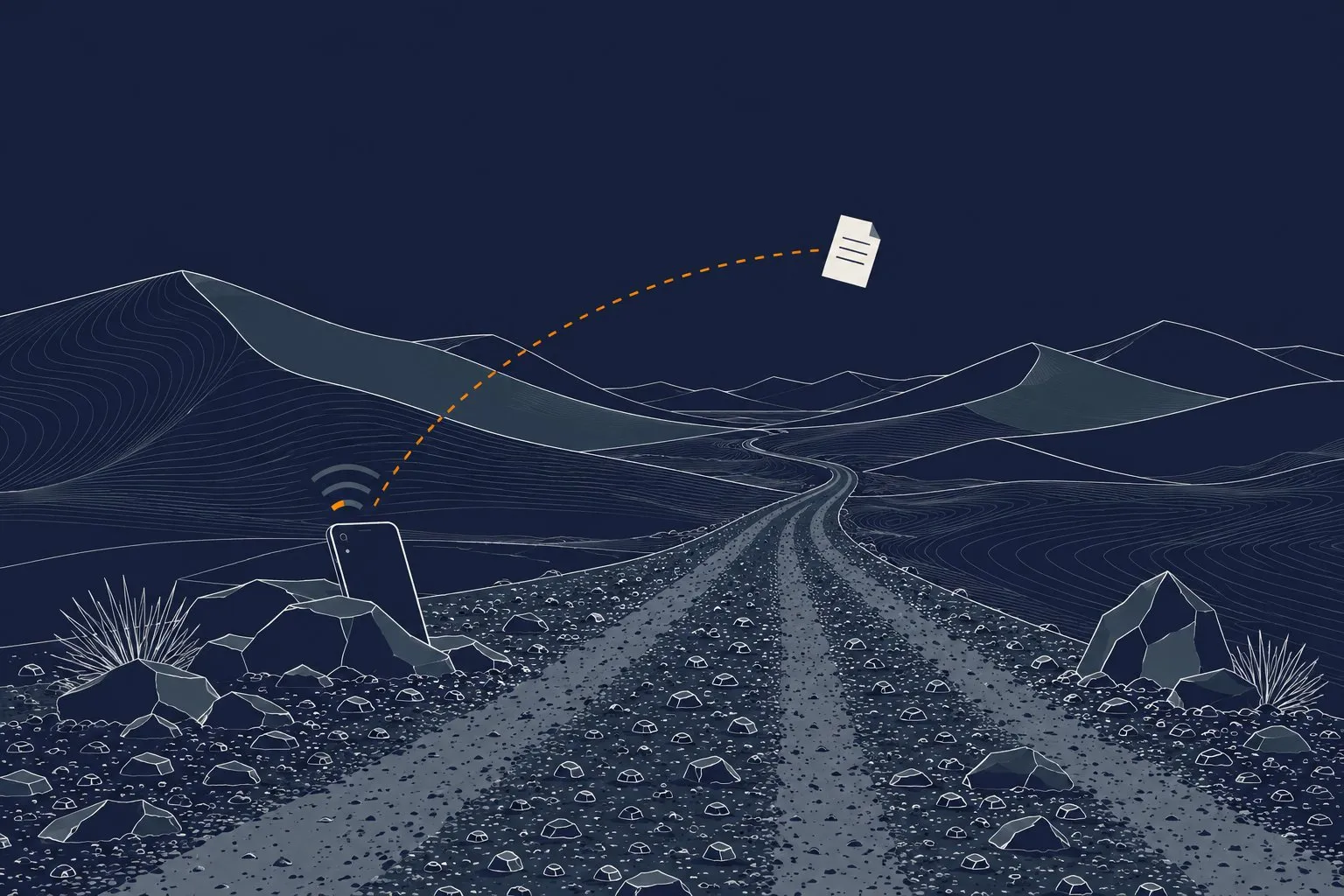
You build a web app for slow mobile networks by sending less, sending it earlier and never trusting the connection. Render pages on the server, keep the first load small, cache what does not change, and make every form survive a dropped signal. Test on a throttled phone, not on your office fibre.
We build for users in Africa, where a 3G fallback, a congested tower or a prepaid data bundle running low is normal. The same habits also make an app faster for everyone else.
Why do apps fail on slow mobile networks?
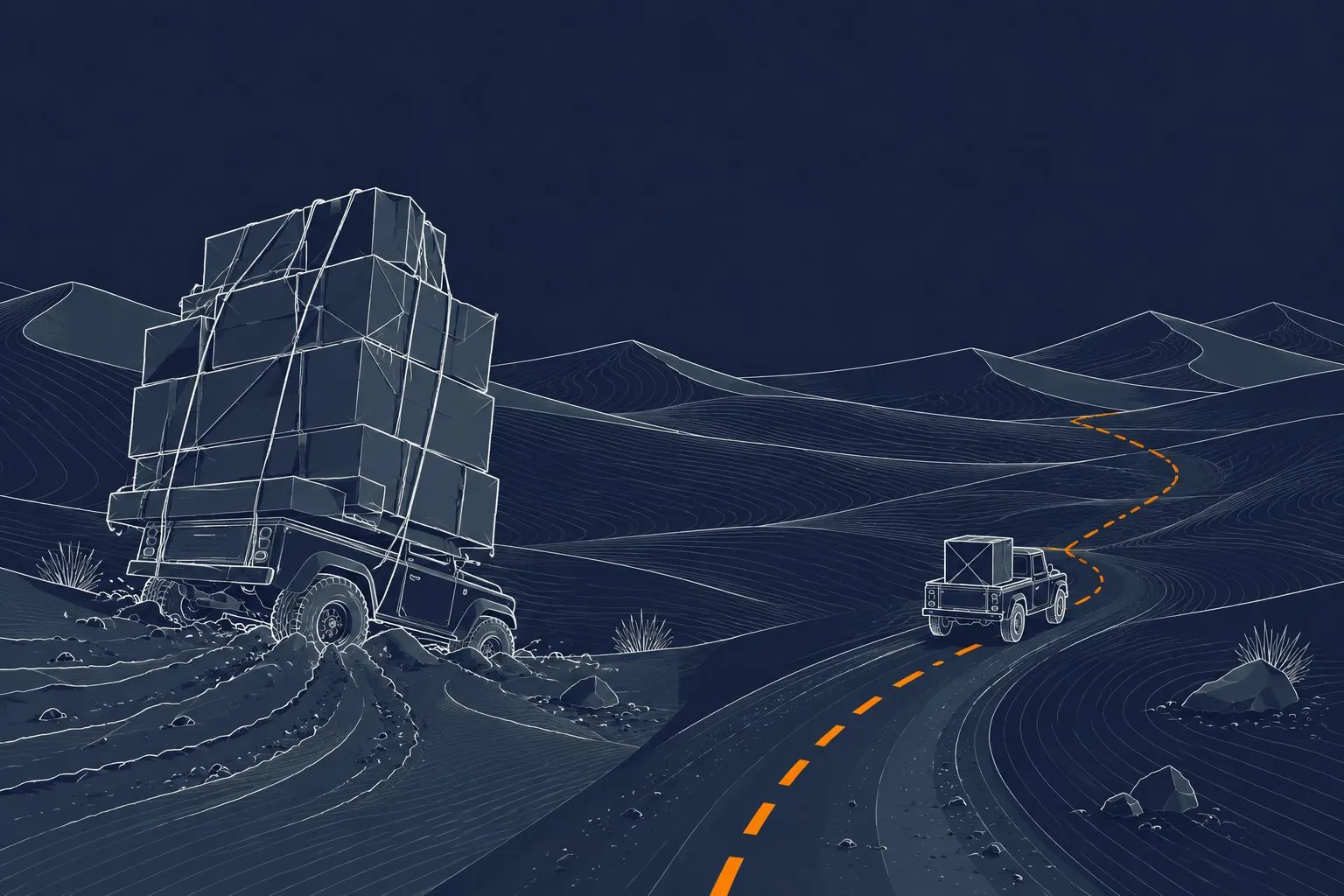
Most apps are built and tested on a fast desktop link. The developer never feels the cost of a 2 MB JavaScript bundle. A user on a weak signal feels all of it.
Three things go wrong again and again:
- Too much code before anything shows. The browser downloads, parses and runs a large script before it draws the first screen.
- Too many round trips. Each request on a high-latency link costs a few hundred milliseconds before a single byte arrives. Twenty small requests are slower than one medium one.
- No plan for failure. The request times out, the spinner never stops, and the user taps “Submit” three times.
Latency matters more than raw speed. A link can have decent bandwidth and still feel dead because every request waits a long time to start.
What is a good page-weight budget?
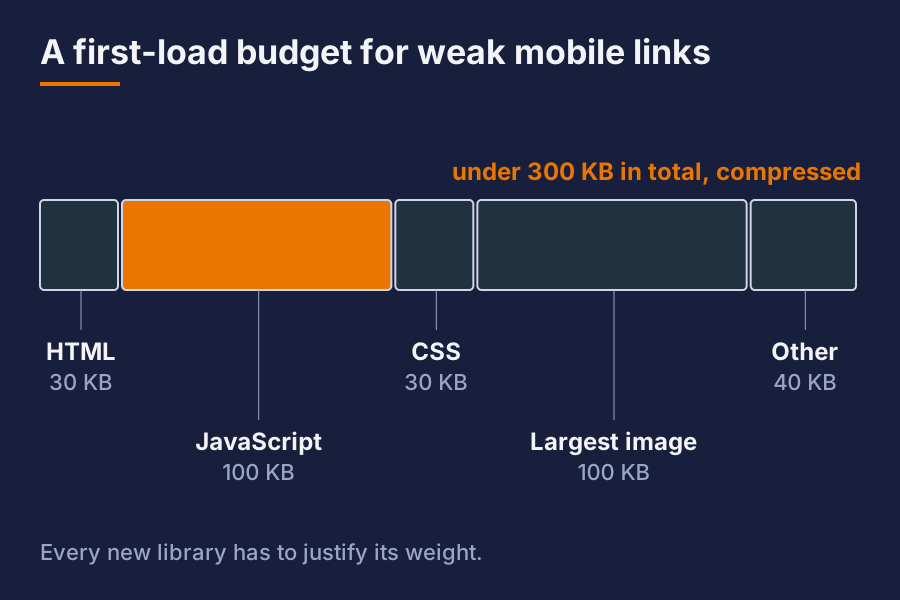
Set a budget before you write code, and check it on every build. A sensible starting point for a page that has to work on a weak link:
| Item | Roughly |
|---|---|
| HTML, first screen | under 30 KB compressed |
| JavaScript, first load | under 100 KB compressed |
| CSS | under 30 KB compressed |
| Largest image | under 100 KB |
| Total first load | under 300 KB |
These are guidelines, not laws. The point is to have a number, so that a new library has to justify its weight.
Ask of every dependency: what does it cost in kilobytes, and what does it do that the browser cannot already do? Native date inputs, native form validation and plain CSS replace a surprising amount of script.
Should you render on the server?
For most business apps, yes. A page that arrives as finished HTML is readable the moment it lands. A page that arrives as an empty shell plus a large script is blank until that script finishes.
Server rendering gives you:
- Text on screen after one round trip.
- Links and forms that work as plain HTML, even if a script fails to load.
- Better behaviour on cheap phones, which have slow processors as well as slow networks.
Add JavaScript where it earns its place: a live search box, a chart, a drag-and-drop screen. Do not ship a whole client-side framework to show a list and a form.
How do you make forms survive a bad connection?
Forms are where users lose work, and where they lose patience.
- Keep the page working without script. A normal form post is the fallback for everything else.
- Disable the button after the first tap and show a clear “Sending…” state. Double submits are the most common bug on slow links.
- Make the server action idempotent. Send a unique key with each submission. If the same key arrives twice, the server returns the first result instead of creating a second record.
- Save drafts locally in the browser for long forms, so a dropped signal does not wipe ten minutes of typing.
- Say what happened. “No connection. Your entry is saved on this phone and will send when you are back online” beats a red error box.
For field work, such as inspections, deliveries or vehicle checks, consider queueing submissions on the device and sending them when a connection returns. This is more work, so use it where the user really is out of coverage.
What caching and image tricks matter most?
Caching is the cheapest speed you can buy.
- Fingerprint your static files (a hash in the file name) and serve them with a long cache lifetime. The browser then downloads each file once.
- Compress text with Brotli or gzip. This often cuts HTML, CSS and JavaScript by two thirds or more.
- Serve modern image formats such as WebP or AVIF, at the size the screen needs. Do not send a 3000 pixel photo to a 400 pixel slot.
- Lazy-load images below the fold, and set width and height so the layout does not jump while they arrive.
- Use a CDN or a nearby cache for static assets so the first byte does not travel across the world.
- Limit web fonts. One or two weights, with a fallback font that is close in size, so text shows at once.
A service worker can go further and cache the app shell for offline use. It is powerful, and it is also a source of stale-cache bugs. Add it when you have a real offline need, and plan how you will push updates.
How do you test for slow networks?
You cannot fix what you never feel.
- Use the browser developer tools to throttle to a slow 3G profile and add latency. Reload with the cache disabled.
- Test on a real mid-range or older phone, on a real mobile connection, ideally in a spot with a weak signal.
- Watch the numbers that describe how the page feels: time to first content, time to the largest content, and how much the layout shifts.
- Put a transfer-size check in your build. If the first load grows past the budget, the build fails.
Do this early. Retrofitting performance into a finished app is slow and expensive. A budget on day one is nearly free.
What do we do ourselves?
We run our own apps and sites in production, and we use them over ordinary mobile data. That is how we found out which of our own habits did not hold up. We keep pages server-rendered where we can, keep scripts small, and treat a lost connection as a normal event, not an error.
Short answer
What is the single biggest win for slow networks? Send less. Cut the JavaScript and the images on the first load, and render the page on the server so text appears after one round trip.
Do I need a native app for poor connectivity? Usually not. A well-built web app with server rendering, caching and safe forms works well on weak links. A native app only becomes necessary for deep device features or long offline use.
How can I tell if my app is too heavy? Throttle the network in your browser tools and reload on a real phone. If the first screen takes more than a few seconds to become readable, the app is too heavy for a weak link.
Want this set up for your business? Ask for a quote.