
Blog
Private cloud file sharing with Nextcloud for small teams
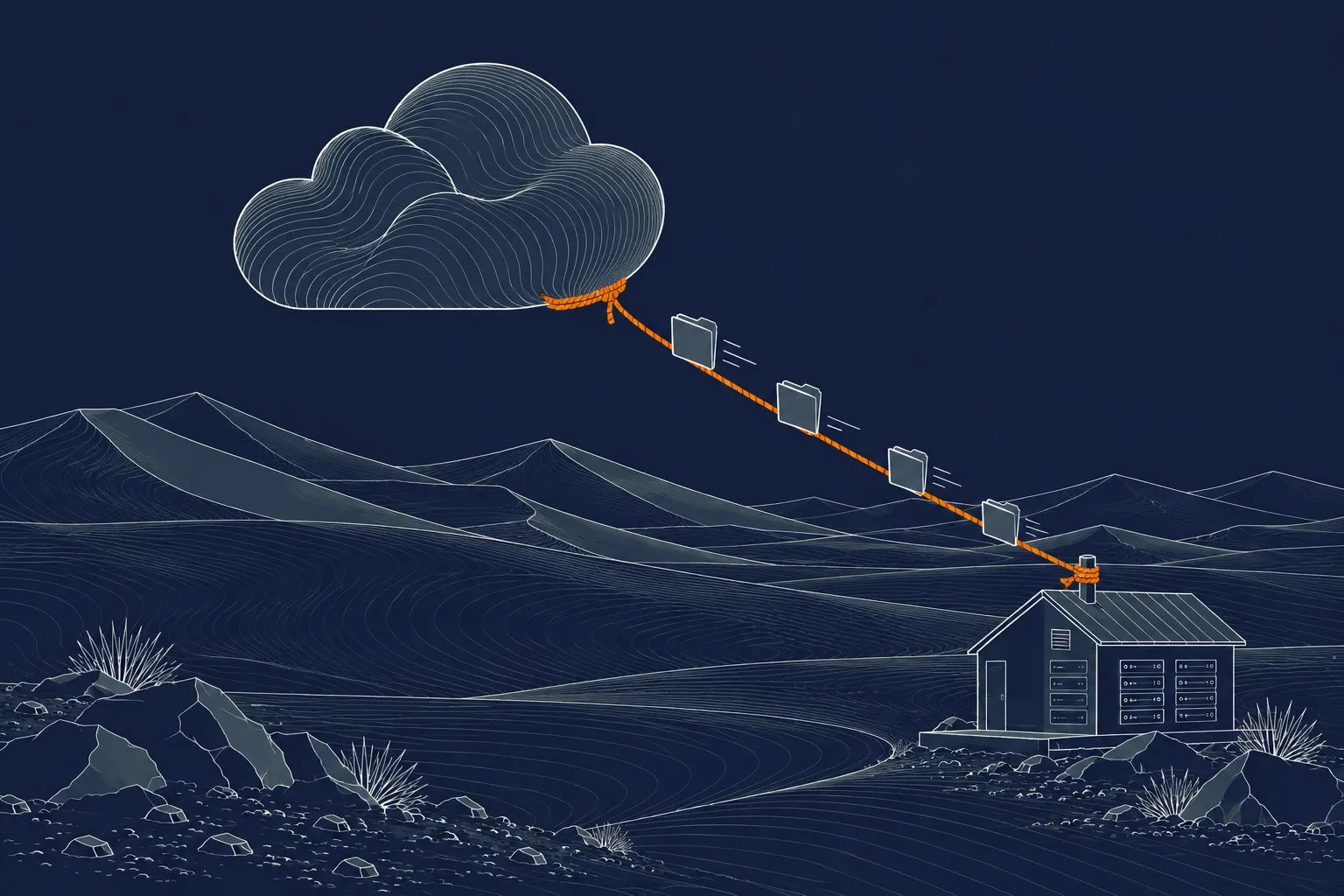
Nextcloud is open-source software that gives a small team file sharing, sync, calendars and contacts on a server you control. Files live on your hardware, in your building or a data centre you choose, instead of in a large provider’s cloud. It suits teams that want ownership of their data and are prepared to look after a server, or to pay someone who does.
We run our own file sharing on our own servers, so this is what we have learned from using it daily, not from a brochure.
What is Nextcloud, in plain terms?
Think of it as a private version of the shared-drive services most people already know. Staff install a sync app on a laptop or phone, and a folder stays in step with the server. They can share a file or folder with a link, with a password and an expiry date, or with other users.
Beyond files, it can provide:
- Calendars and contacts that sync to phones.
- Online document editing, through an add-on office server.
- Shared notes, task lists and simple chat.
- Mobile photo upload.
- Audit-style logging of who shared what.
You choose which parts to switch on. A small team often only needs files and calendars.
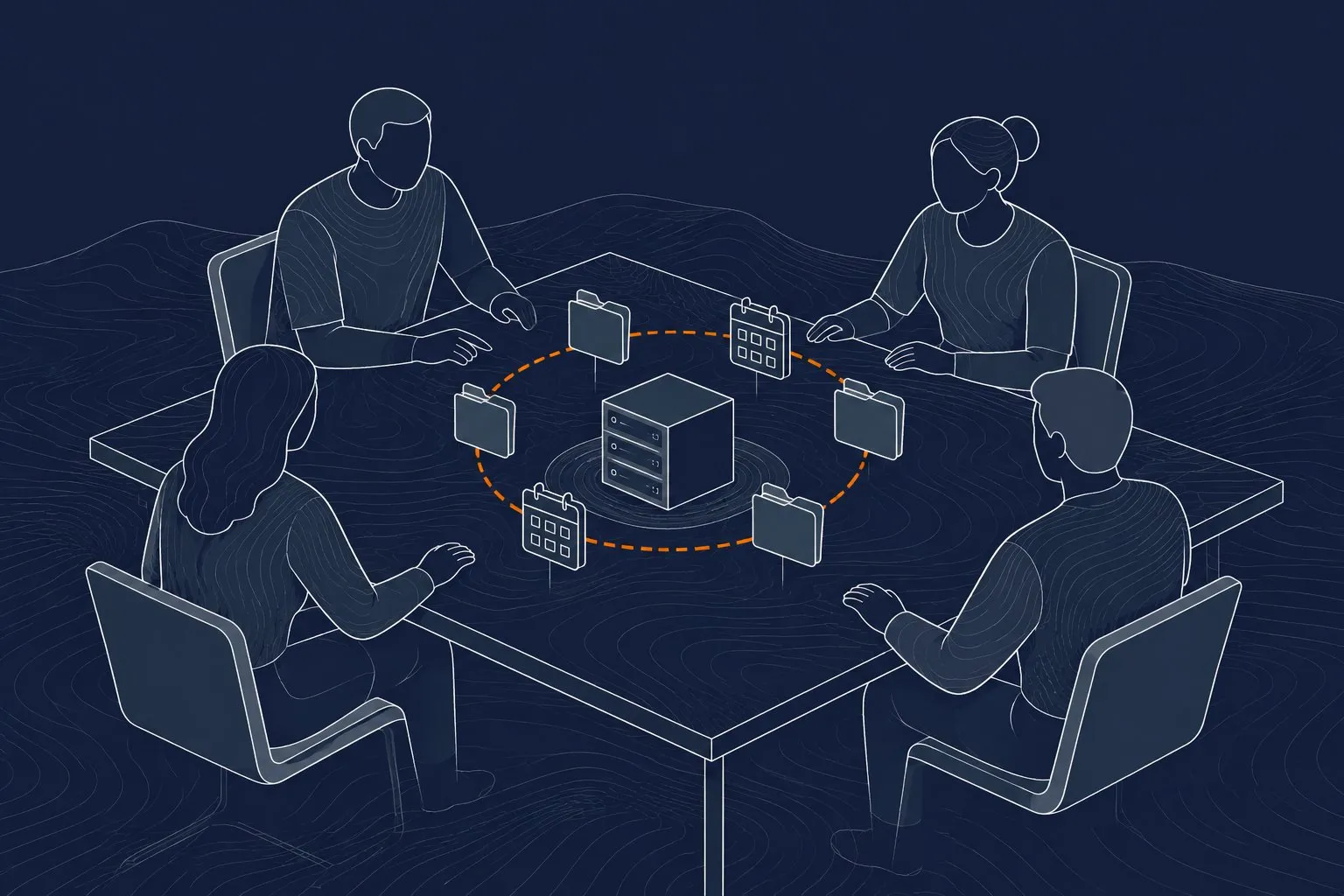
Why would a small team host its own files?
There are four honest reasons.
- Control of data. You decide where files are stored, who can reach them and how long they are kept. This matters for client confidentiality and for any rules about where data may sit.
- Predictable cost. You pay for hardware and for someone’s time, not per user per month, so the cost does not climb every time you hire.
- No surprise changes. Features and terms do not change under you.
- Local speed. Files on a local server move at network speed inside the office, which helps with large drawings, photos and video.
The honest counterpoint: you now own uptime, backups and security. A hosted service does that for you. If nobody on your team will look after it, either pay a partner to run it or choose a hosted service.
What does it need to run?
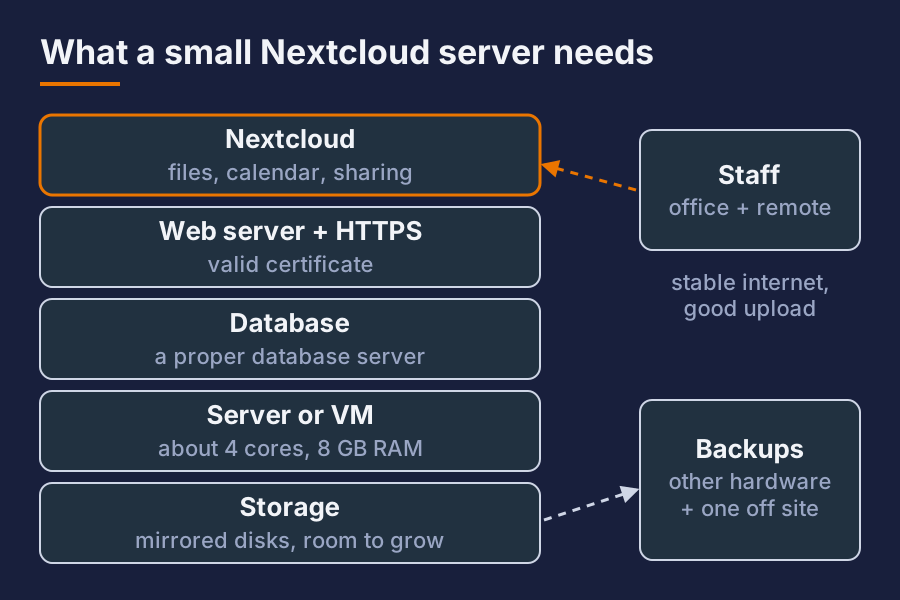
For a team of up to a few dozen people, the needs are modest.
| Part | Roughly what you need |
|---|---|
| Server | A small physical server or virtual machine, 4 CPU cores and 8 GB RAM is a comfortable start |
| Storage | Enough for your files plus room to grow, on reliable disks in a mirror or similar |
| Database | A proper database server, not the built-in test database |
| Web server and certificate | A web server with a valid HTTPS certificate |
| Backups | A second copy on separate hardware, and one off-site |
| Internet | A stable link with decent upload speed, because remote staff download over it |
Storage is the part that grows. Plan for the number of years of files you want to keep, then double it.
How do you set it up so it is safe?
Most breaches of self-hosted services come from skipped basics, not clever attacks.
- HTTPS only, with a certificate that renews on its own.
- Keep it updated. Apply security updates to the operating system and to Nextcloud itself on a schedule.
- Two-factor sign-in for every user, and strong passwords or single sign-on if you have it.
- Do not expose the admin side more than needed. Put the server behind a firewall, publish only the web port, and consider reaching it through a VPN for staff who are away.
- Rate-limit and block repeated failed logins.
- Encrypt the disks if the hardware could ever be stolen.
- Separate it from the rest of your network so a problem on the file server cannot reach everything else.
A reverse proxy in front of the app is a common pattern. It handles certificates and lets you apply limits in one place.
What about backups?
A file server without tested backups is a wish. You need to back up two things: the files and the database. Restoring one without the other gives you a broken system.
A sound routine:
- Nightly backup of files and database to a separate machine.
- A second copy off-site, so a fire, flood or theft does not take both.
- Keep several generations, so you can recover from a file deleted last week and noticed today.
- Test a restore every few months. Pick a real folder, restore it somewhere else and open the files.
Sync is not backup. If a user deletes a folder, the sync app deletes it everywhere. Enable the trash and file versioning features, and keep real backups behind them.
What does it cost to run?
Costs vary a lot by country and supplier, so treat these as rough ranges in USD.
- Hardware: a small server often costs roughly 1,000 to 3,000 USD, with disks on top.
- Software licence: the community edition is free. Paid support and enterprise features exist if you need them.
- Time: the real cost. Setup is a few days of skilled work, and upkeep is a few hours each month if it is monitored and automated.
- Electricity and connectivity: small, but a power cut with no backup supply is a real risk where grid supply is unstable. Add a UPS.
Compare that with per-user pricing from hosted services over three to five years, and include the cost of your own time. For a very small team, hosted can win. As the team and the data grow, self-hosting usually becomes cheaper.
Is it hard to maintain?
It is not hard, but it is not zero. The work is regular and boring: updates, checking backups, watching disk space, renewing certificates, reviewing logs. Automate what you can, and set alerts so a full disk tells you before users do.
We use the same approach on our own systems. The routine is what keeps it reliable, not any one clever setting.
Short answer
Is Nextcloud free? The software is free to use. You still pay for hardware, power, connectivity and the time of whoever installs and maintains it. Paid support is optional.
How many users can a small server handle? A modest server comfortably handles a few dozen active users. The limits are usually disk space and upload bandwidth, not the software.
Is self-hosted file sharing safer than a big provider’s cloud? Not automatically. It gives you control, but safety depends on updates, two-factor sign-in, a firewall and tested backups. Done well, it is very safe. Done carelessly, it is not.
Want this set up for your business? Ask for a quote.